

Compatibility Help
Find the right fit for your vehicle.
Vehicle electronics can depend on model year, trim, factory equipment, available ports and installation requirements. Before ordering or installing, check the key details that determine whether a product is suitable for your vehicle.
Compatibility can vary between vehicles that share the same model name. Year, trim level and existing factory technology can all matter.

Compatibility starts with the vehicle, not only the product.
A display, camera, charger or monitoring device may connect differently depending on the vehicle it is being installed in. Factory systems, available connectors, physical mounting space and electrical requirements can affect the final setup.
Checking these details before installation helps you choose more confidently and gives our support team the information needed to answer compatibility questions clearly.
Four details to check first.
These basic vehicle details help narrow down fitment and connection requirements across many RoadCircuit product categories.
Year, make & model
Start with the exact vehicle year, manufacturer and model. Small changes between model years can affect connectors, dimensions and factory electronics.
Trim & factory setup
Note the trim level and existing equipment, including factory displays, cameras, audio systems or driver-assistance technology.
Ports & power
Check which ports, sockets or electrical connections are available in the vehicle and where the device is intended to receive power.
Mounting space
Review the installation area and available clearance so screens, cameras, mounts and accessories can be positioned safely and securely.

Displays & Connectivity
Check how your vehicle already handles information.
For CarPlay devices, in-car displays and connectivity accessories, review the existing dashboard layout, available audio connections, charging ports and the location where the new device will be mounted. Factory integration can differ between trims and model years.
Installation Matters
The right product still needs the right installation.
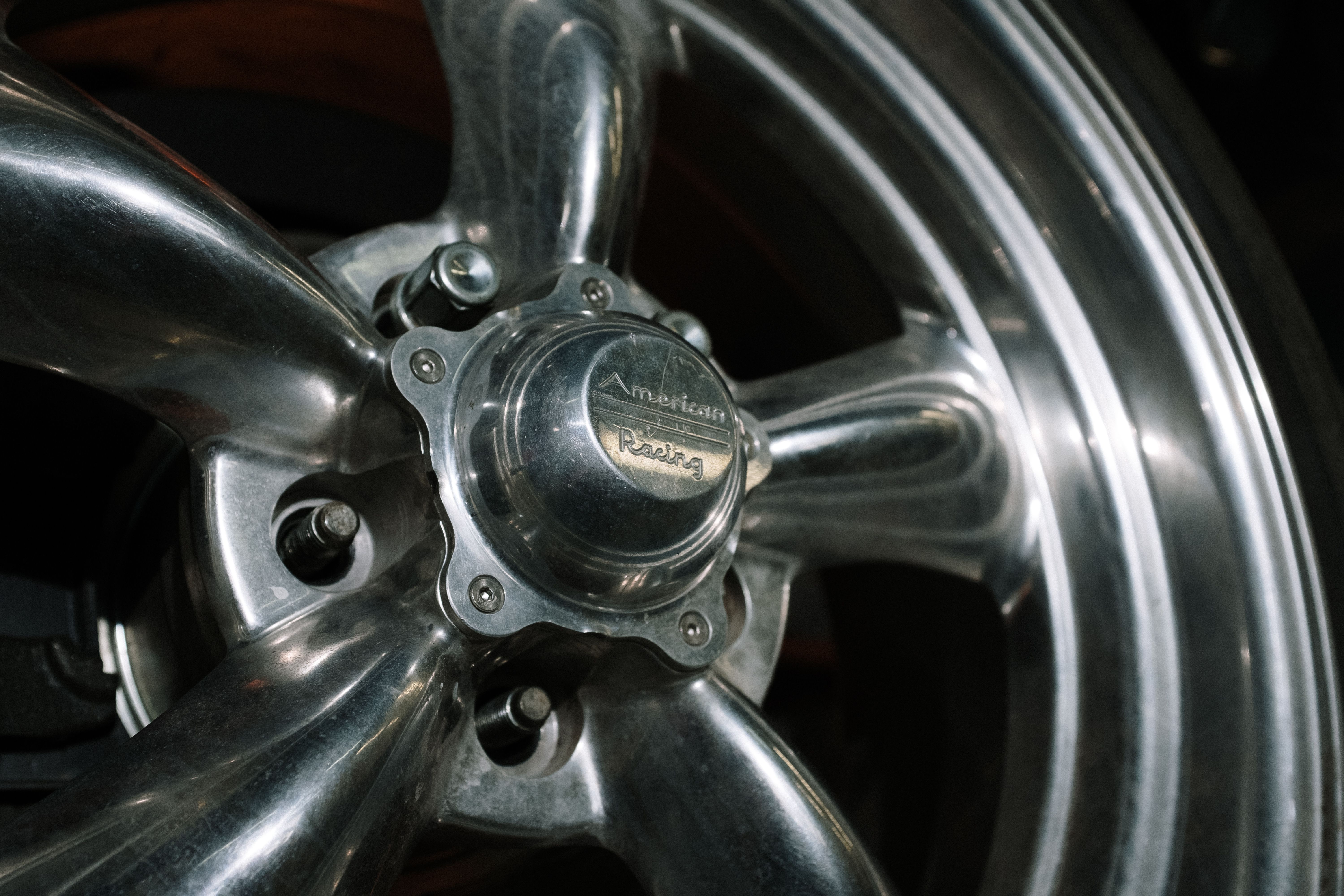
Cameras, monitoring devices and powered accessories may require vehicle-specific routing, mounting or electrical connections. Review the installation requirements carefully and use qualified installation support when the setup goes beyond a simple plug-in connection.
What compatibility can mean across RoadCircuit.
Different product types have different fitment considerations. Use the checks below as a starting point before purchasing or installing.
Dash cams, backup cameras & monitoring.
Review mounting position, camera visibility, power source, cable routing and the vehicle areas where sensors or cameras may need to be installed.
Displays, CarPlay & connectivity.
Check dashboard space, existing audio or display systems, available USB or auxiliary connections and how the device communicates with the vehicle.
Chargers, inverters & power accessories.
Confirm the available socket or connection type and make sure the intended device and vehicle power source are appropriate for the planned use.
Help us understand your vehicle.
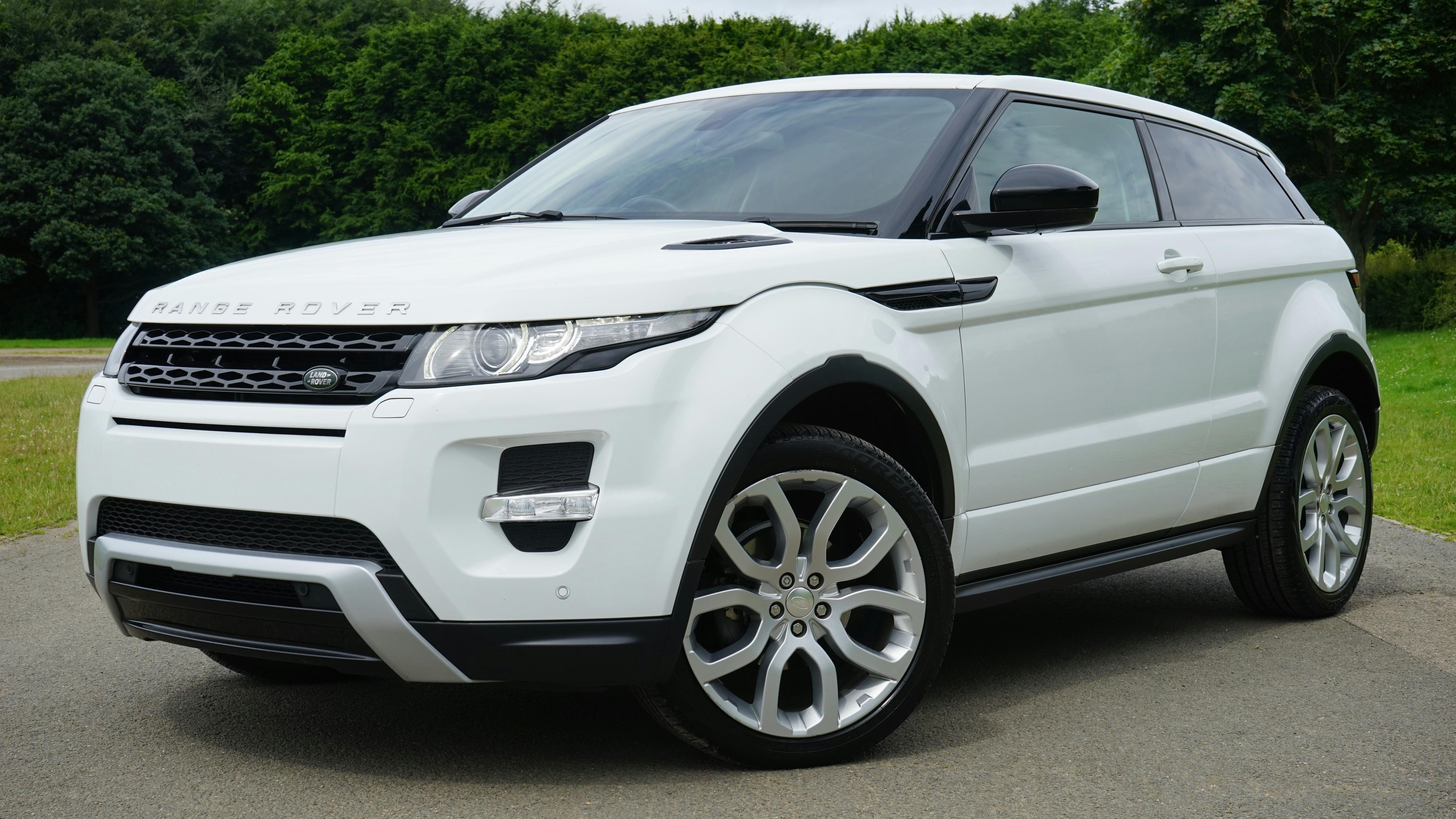
The more precise the vehicle information, the easier it is to review a compatibility question without guessing.
Vehicle information
Provide the year, manufacturer, model and trim level when known.
Product name
Tell us which RoadCircuit product or product type you are considering.
Existing equipment
Mention relevant factory displays, cameras, audio systems, charging ports or other installed vehicle technology.
Photos when helpful
Clear photos of the dashboard, connector, mounting area or existing equipment can help clarify the installation environment.
Common things to check before installation.
These answers cover general compatibility considerations. Exact fitment can still depend on the individual vehicle configuration.
Why do you need my vehicle year and trim?
Manufacturers can change dashboards, connectors, electrical systems and factory equipment between model years and trim levels. Exact vehicle information helps narrow down those differences.
Does the same product fit every version of one vehicle?
Not necessarily. Vehicles sharing the same model name can have different factory displays, cameras, ports, electrical systems or interior layouts.
What should I check for a CarPlay or display device?
Review available dashboard space, mounting position, power connection, audio connection options and the factory infotainment setup already installed in your vehicle.
What should I check for cameras or safety devices?
Consider camera placement, visibility, cable routing, power requirements and whether installation requires access to vehicle wiring or exterior mounting points.
Can I contact RoadCircuit before ordering?
Yes. Send us the product you are considering along with your vehicle year, make, model, trim and any relevant photos or existing equipment details.
Send us your vehicle details before you install.
Tell us which product you are considering and include your vehicle year, make, model, trim and any relevant photos. We can use those details to better understand your compatibility question.
Email: info@roadcircuit.lol