

Product Support
RoadCircuit Product Support
Support for the technology you drive with.
Get practical guidance for setup, installation, connectivity and everyday use across RoadCircuit automotive electronics and in-car equipment.

Clear guidance, less guesswork
Start with the device, then work through the vehicle connection.
Most setup questions can be narrowed down by checking power, physical connections, vehicle settings and device pairing in that order.
Before contacting support, keep the product name and a brief description of what you are seeing available. That helps us understand the setup more clearly.
Common support situations
From installation to daily use.
RoadCircuit support covers the practical questions that can come up when automotive electronics meet different vehicles, dashboards and power systems.
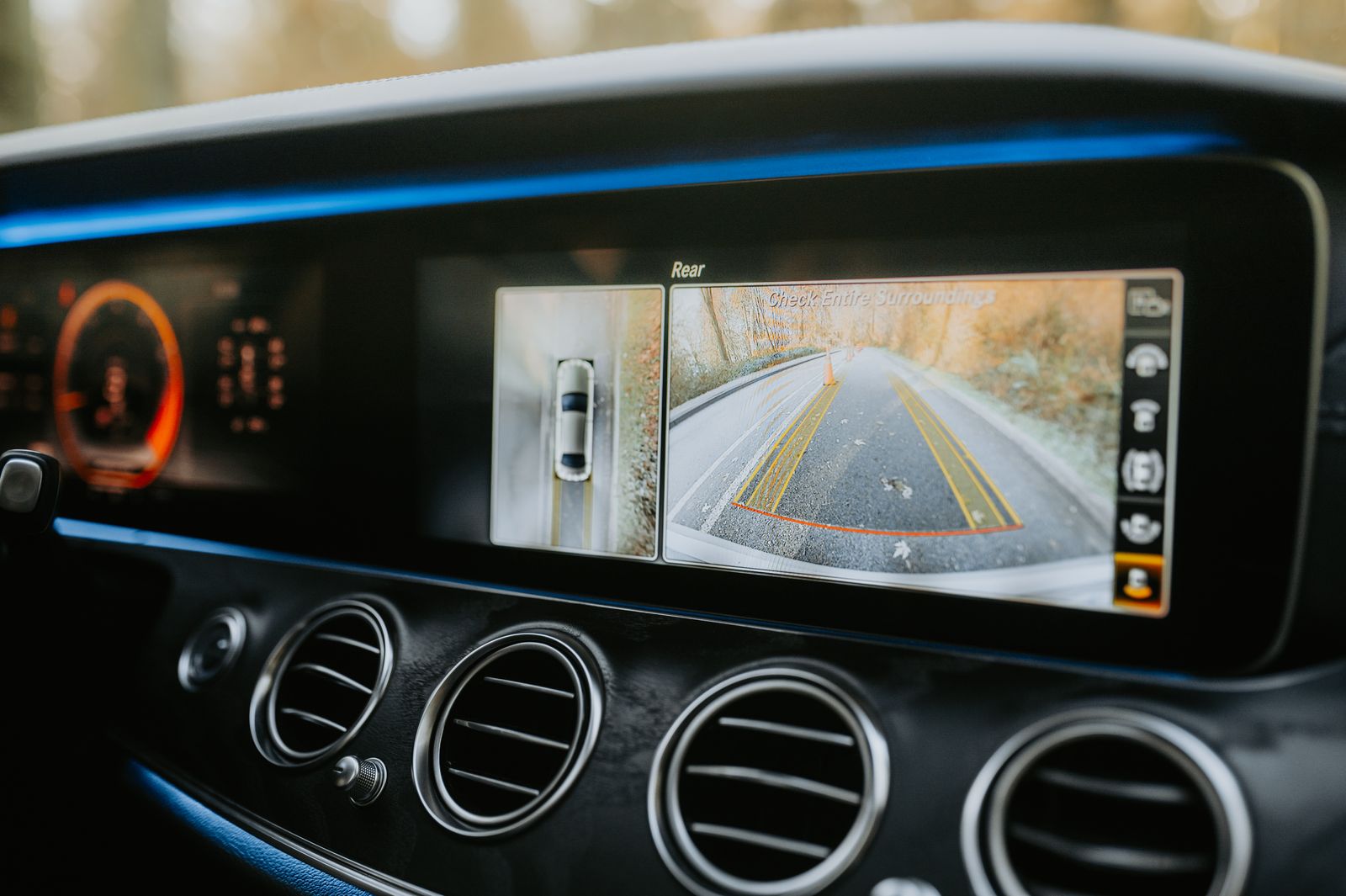
Check the signal path first.
For camera or display issues, confirm power, cable seating, input selection and the relevant vehicle or screen setting before changing the installation.

Keep every connection deliberate.
Secure mounting, clean cable routing and stable power connections help prevent intermittent behavior after an in-car device is installed.
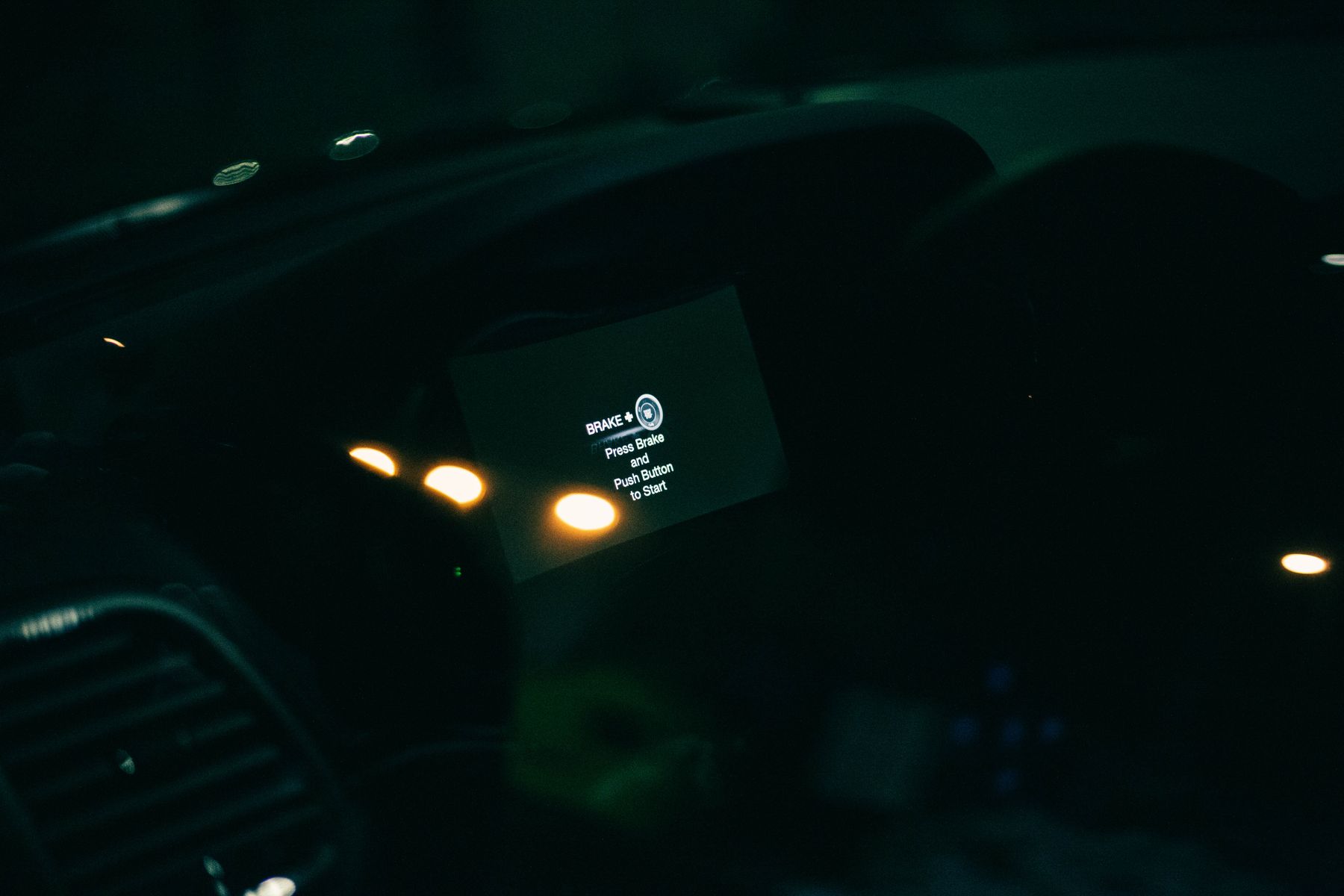
Confirm how your vehicle supplies power.
If a device does not start, restarts unexpectedly or stays powered when the vehicle is off, check the power source and how the socket or connection behaves with the ignition.
Before contacting support
Four checks that make troubleshooting faster.
A few basic details can help separate a product issue from a connection, vehicle setting or installation question.
Confirm the product name
Use the exact product name shown on your order or product information.
Check the power source
Confirm that the connection is secure and the vehicle outlet or circuit is active.
Review the connections
Re-seat cables and adapters carefully without forcing ports or connectors.
Describe what happens
Note what the device does when powered on, connected or paired with the vehicle.
Product support
Common questions.
These general checks are designed for RoadCircuit automotive electronics and in-car equipment. Always follow the instructions supplied with your specific product and vehicle.
My device is not powering on. What should I check?
Confirm the cable is fully seated, verify that the vehicle power source is active and check whether the socket or circuit only receives power when the ignition is on. If an adapter is being used, make sure each connection is secure.
The display or camera has power but no image. What should I do?
Check the video or signal connection, confirm the display is using the correct input and review the relevant camera or vehicle settings. A secure power connection does not always confirm that the video signal is connected correctly.
Why is Bluetooth or wireless pairing not completing?
Make sure the device is in pairing mode, remove older saved connections that may be competing for the same device and restart the pairing process with the vehicle and accessory close together.
Can RoadCircuit help with product compatibility questions?
Contact us with the product name and your vehicle details. We can review the information you provide and help clarify the product requirements before you continue with setup or installation.
What information should I include when I contact support?
Include the RoadCircuit product name, your vehicle year and model when relevant, what you have already checked and a clear description of what happens when the device is powered or connected.
Need more help?
Send us the details of your setup.
Tell us which RoadCircuit product you are using, what vehicle it is installed in and what you are experiencing. Clear setup details help us provide more useful guidance.